





















Yes. Kwazy is free to play: no coins, no shop and no subscriptions at launch. There’s no real-money play, ever.
We’re finishing the first version now. Join the waitlist and we’ll send one email the day it’s live.
Kwazy launches on iPhone first.
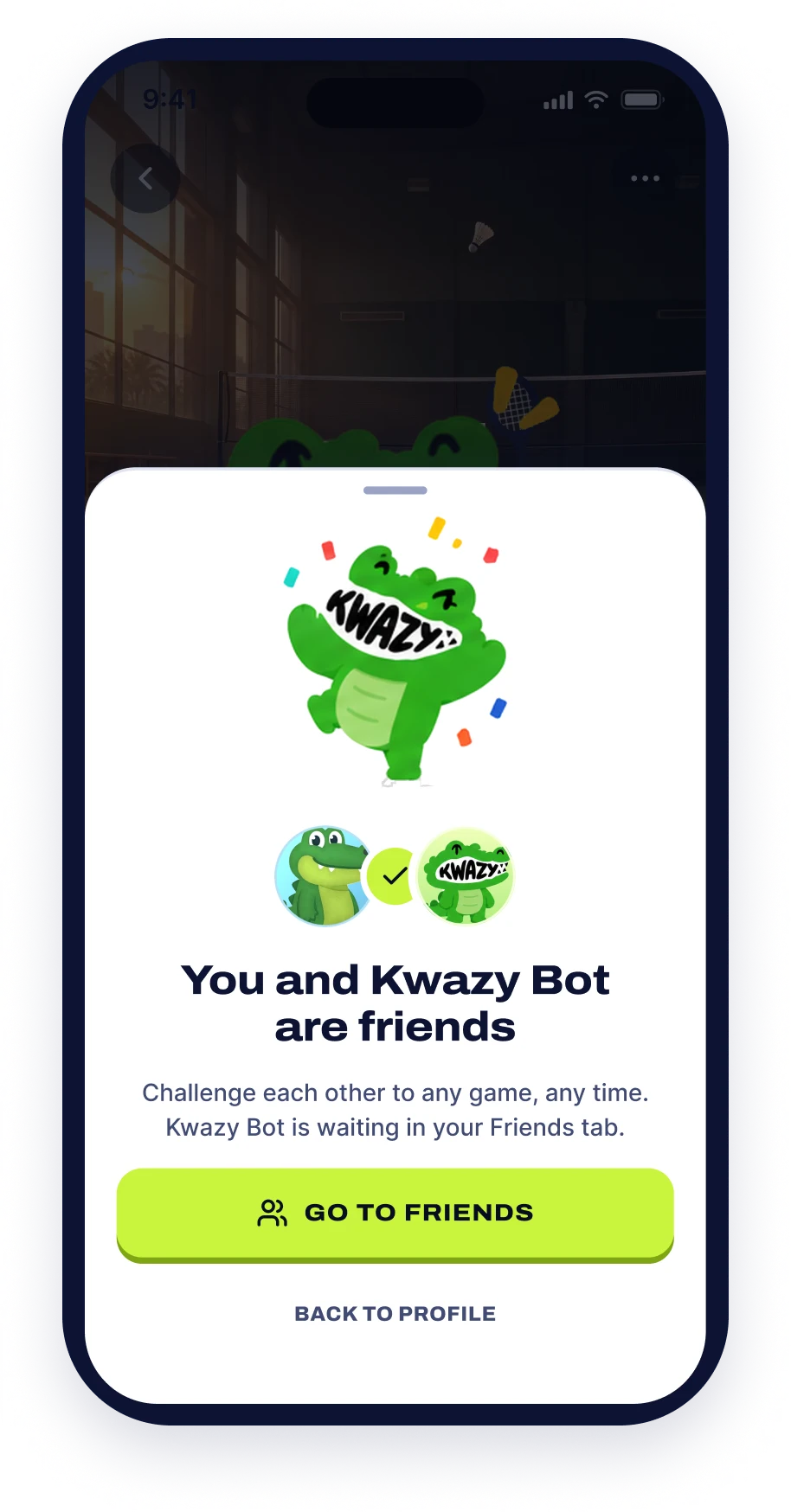
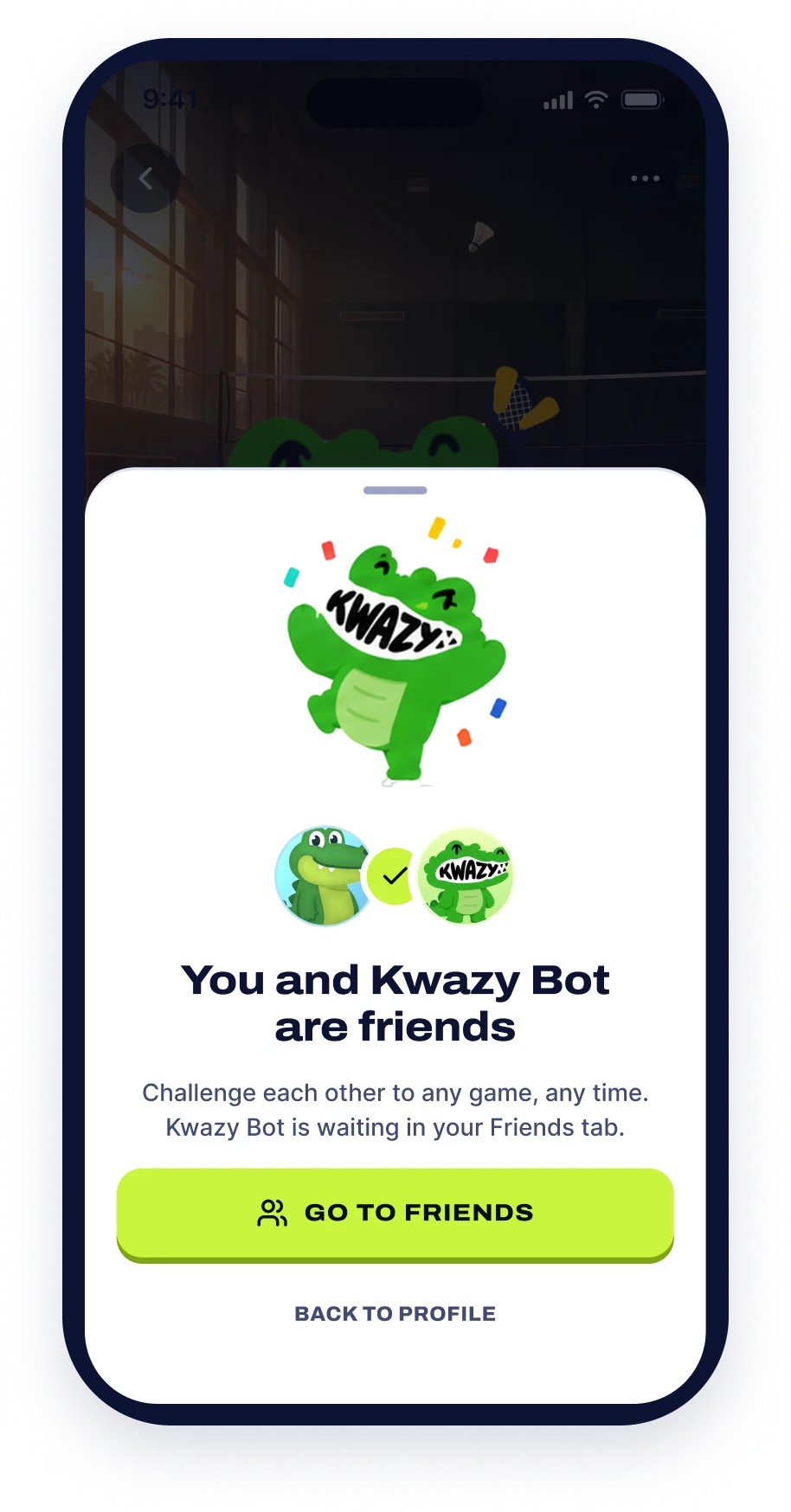
Not at all. You’re matched with people near your level in each game, and your first duel is a friendly practice round against Kwazy Bot.
Anyone aged 13 or above who likes quick brain games and wants people to play with. Kwazy is a 13+ app.
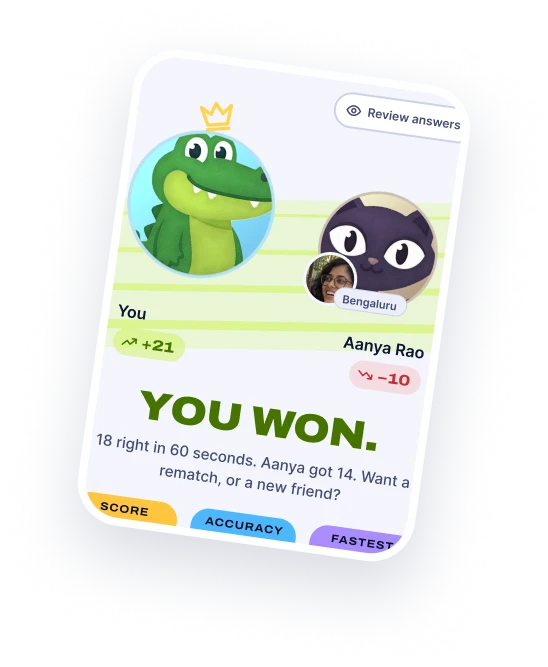
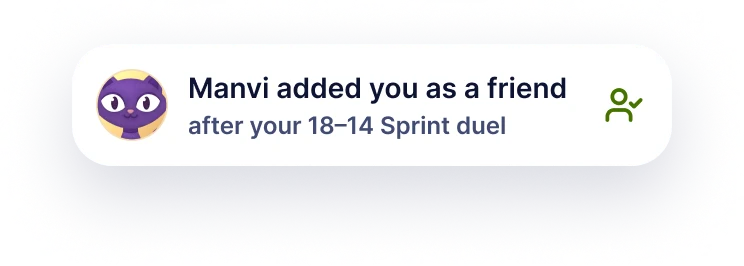
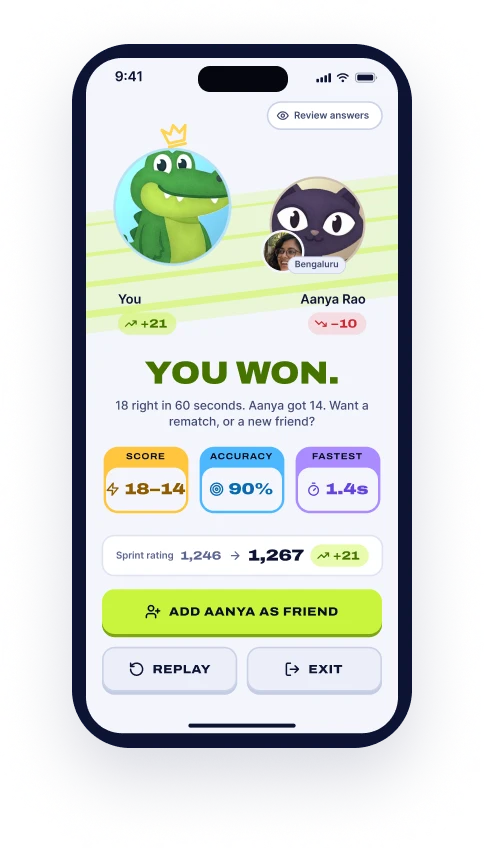
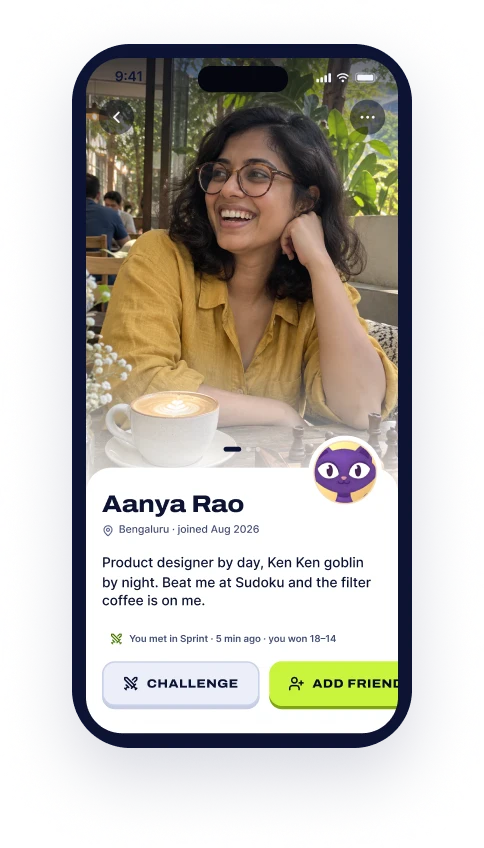
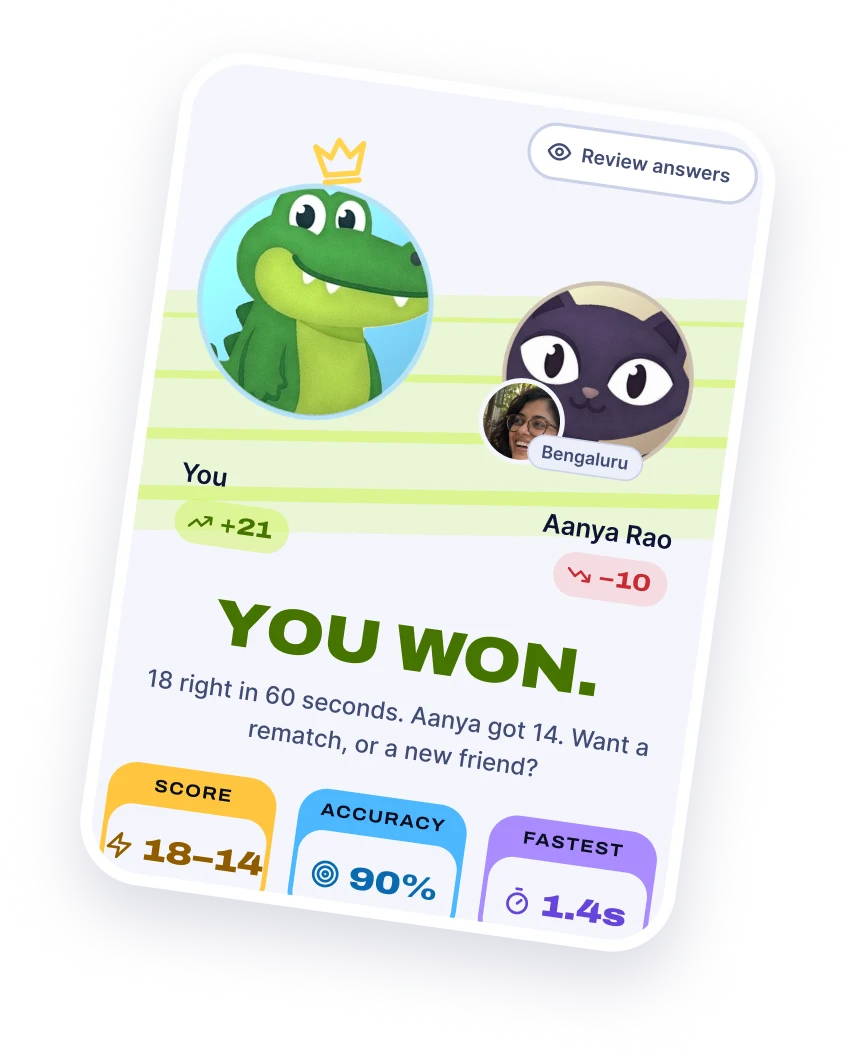
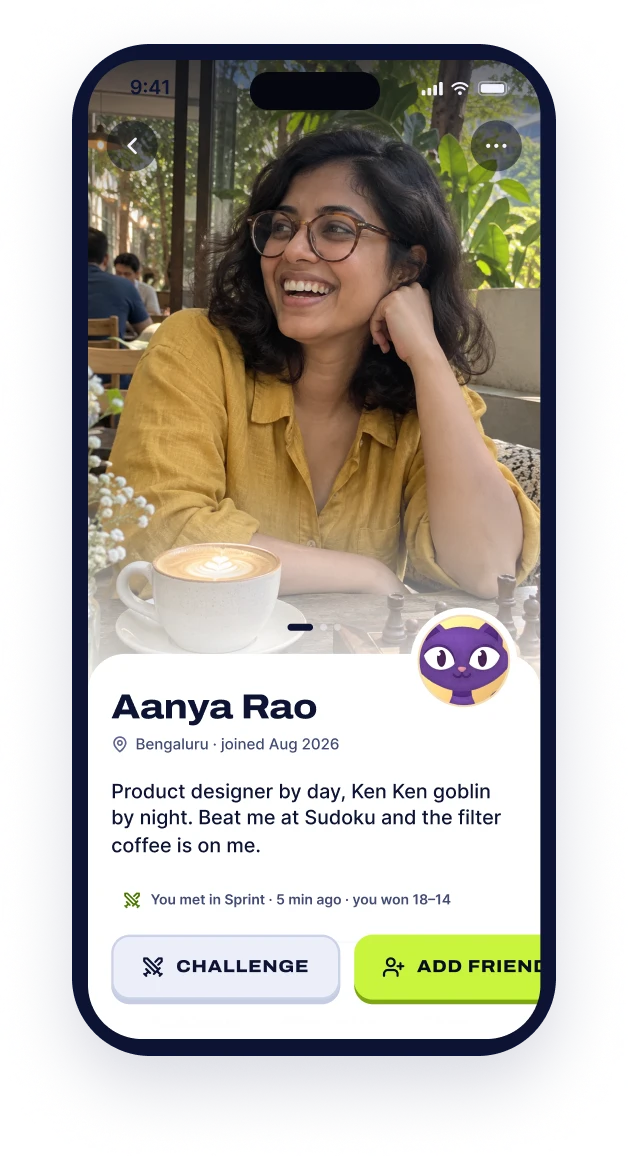
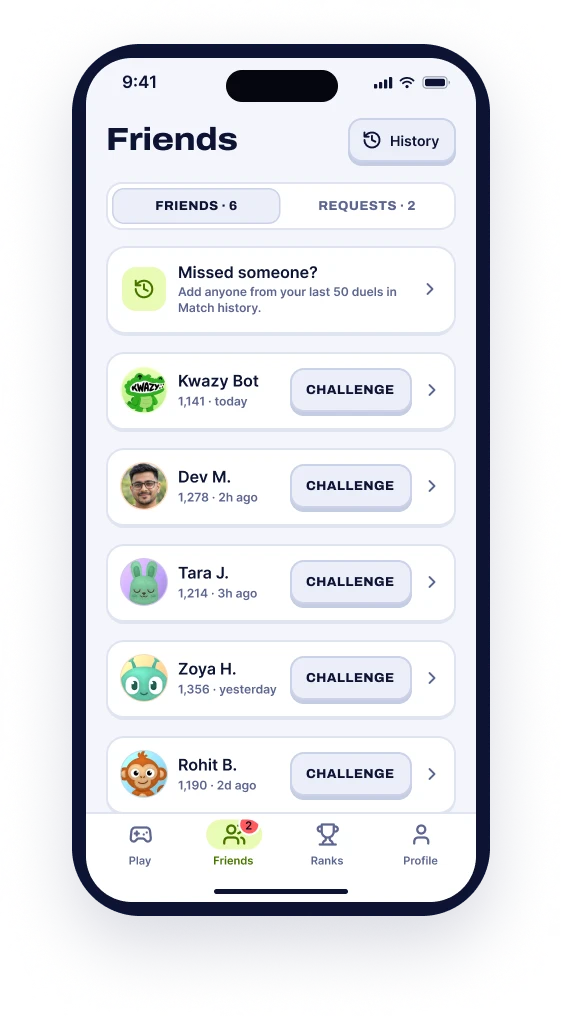
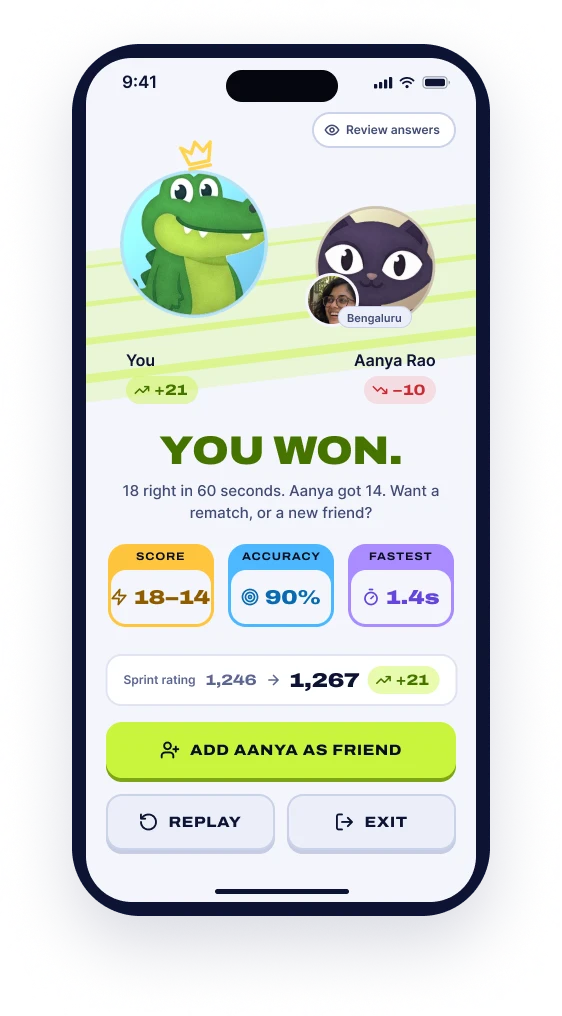
Every match ends with a person. Add your opponent as a friend, see their profile, and challenge them again whenever you like.
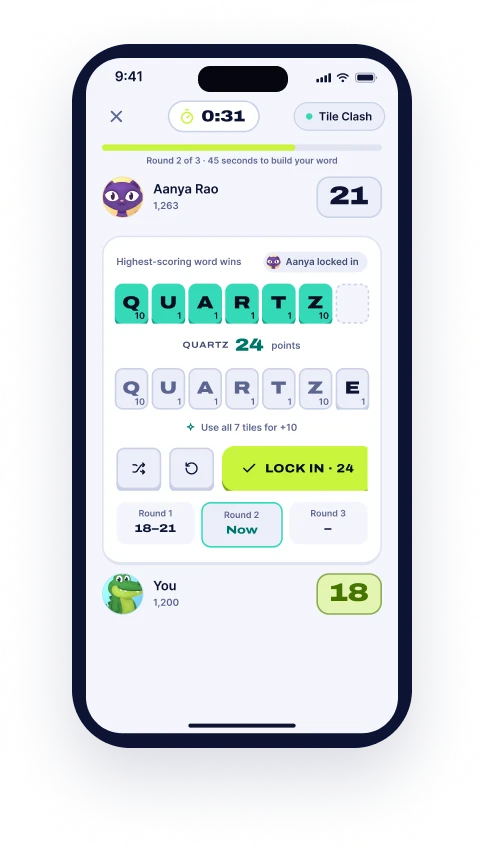
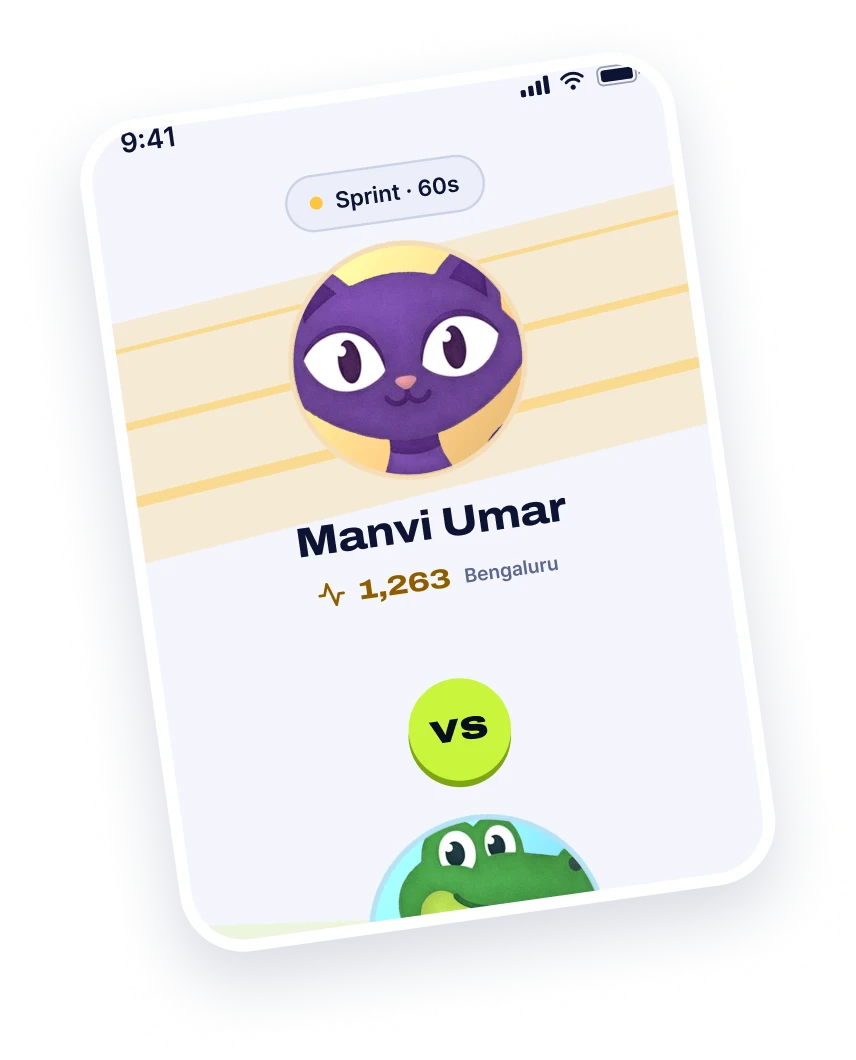
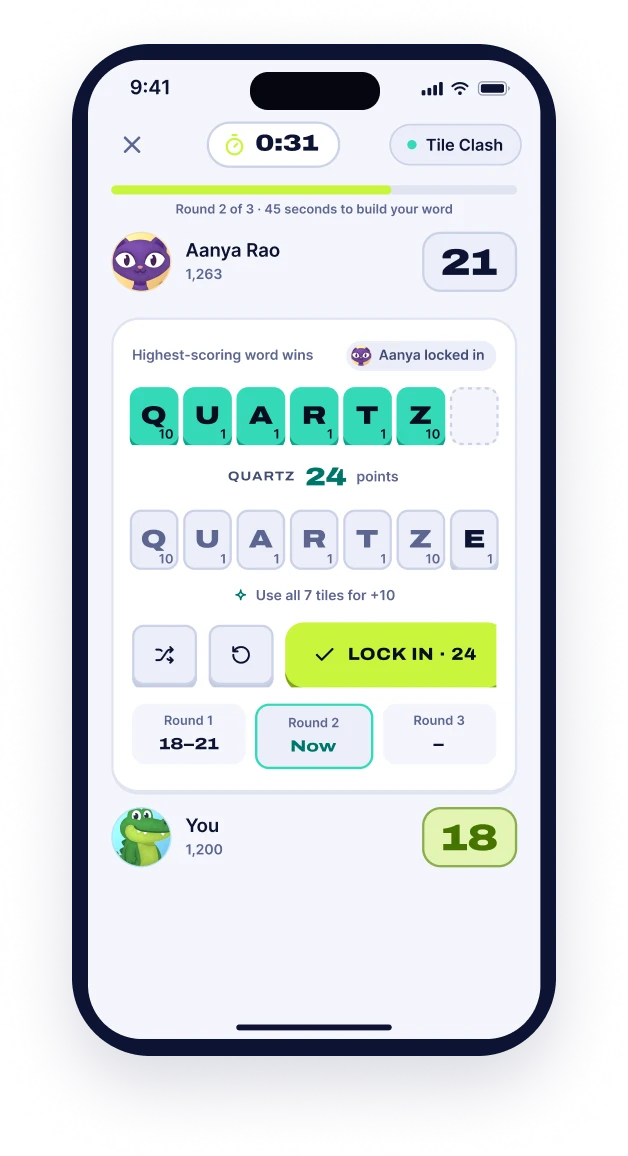
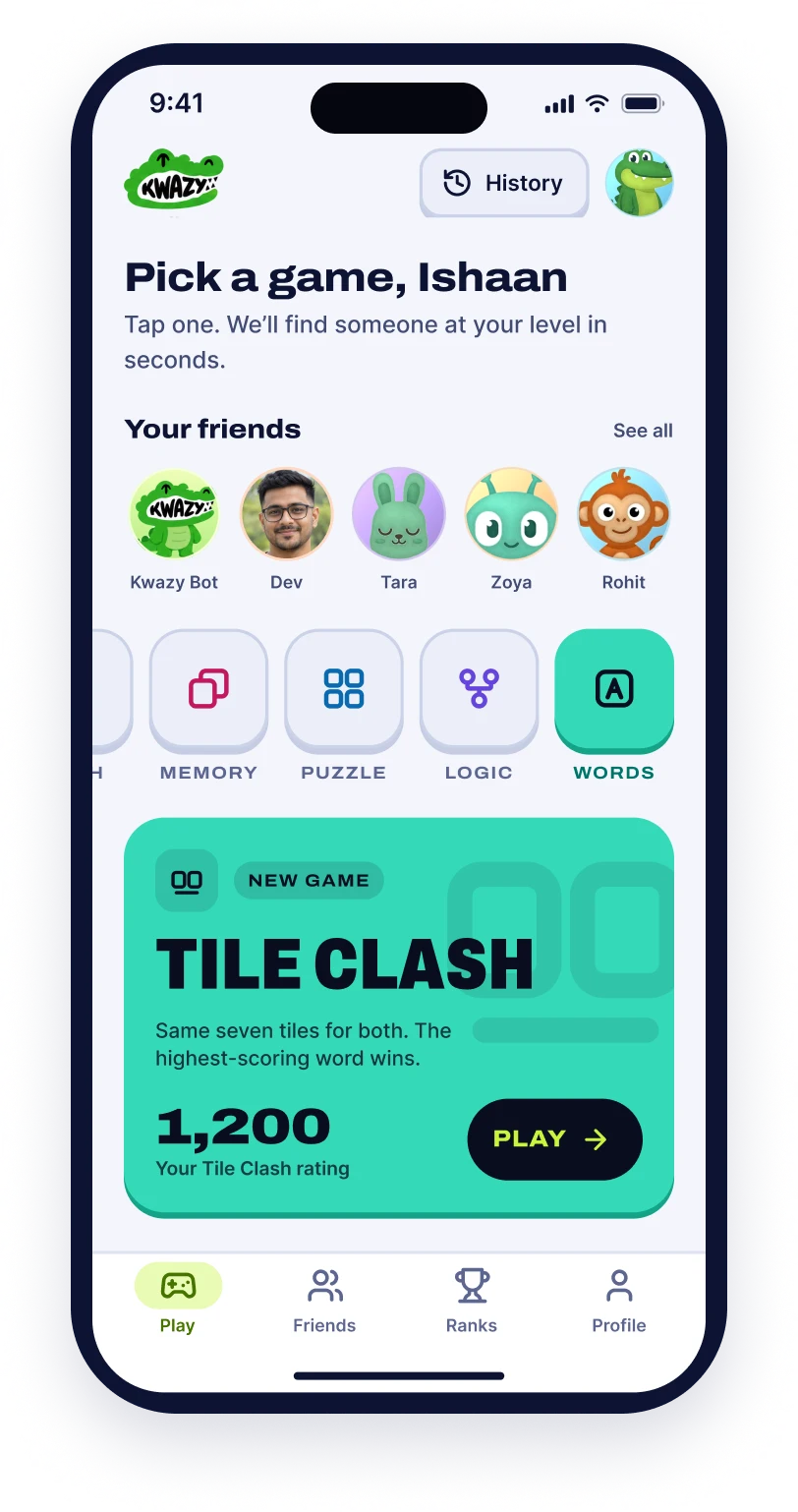
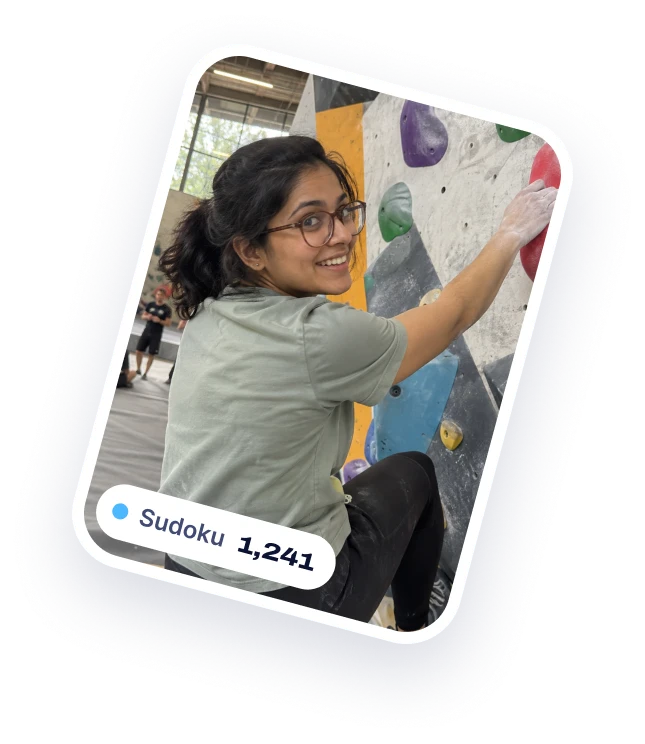
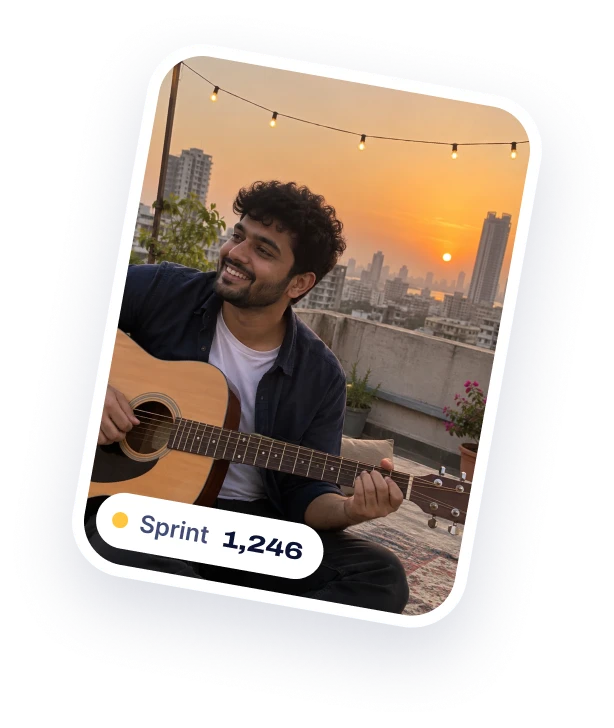
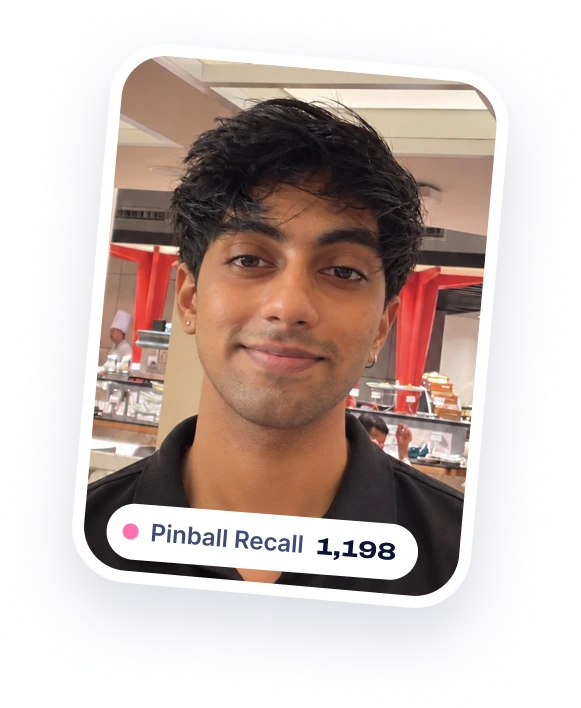
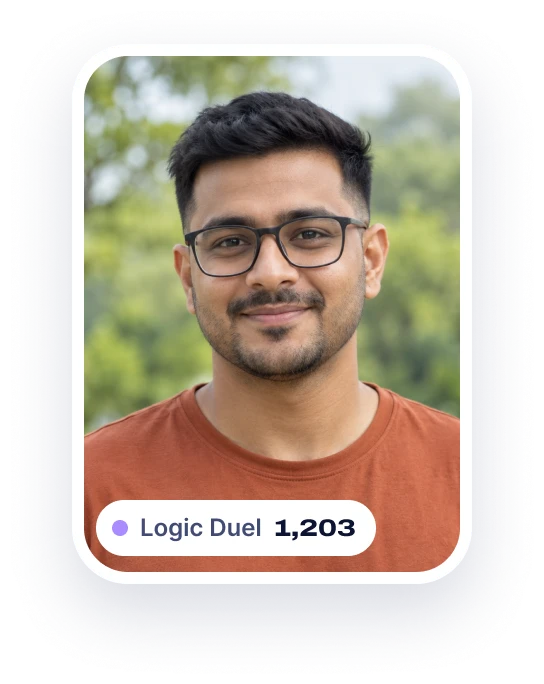
Thirteen duels in five kinds: maths (Sprint, Fastest Fingers, Flash Anzan), memory (Pinball Recall, Mind Snap), puzzles (Sudoku, Cross Math, Ken Ken, Math Maze), logic (Logic Duel) and words (Tile Clash, Word Wise, Word Ladder).
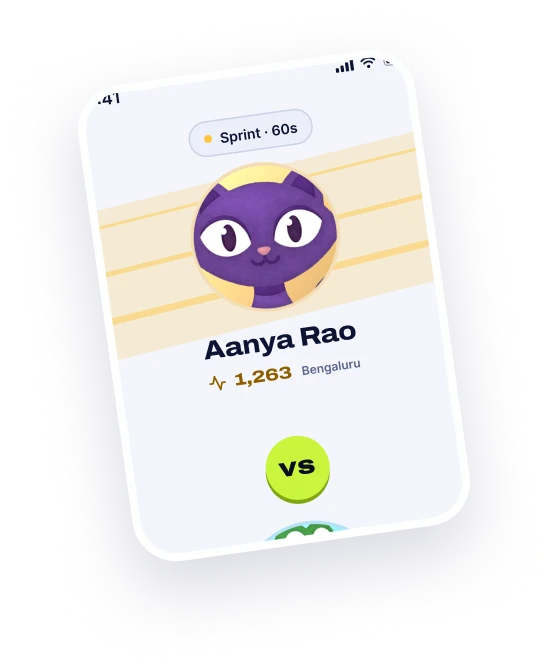
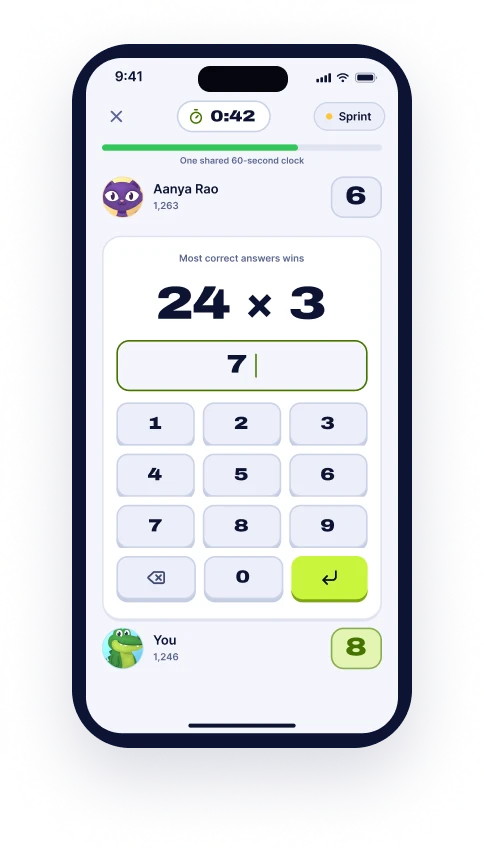
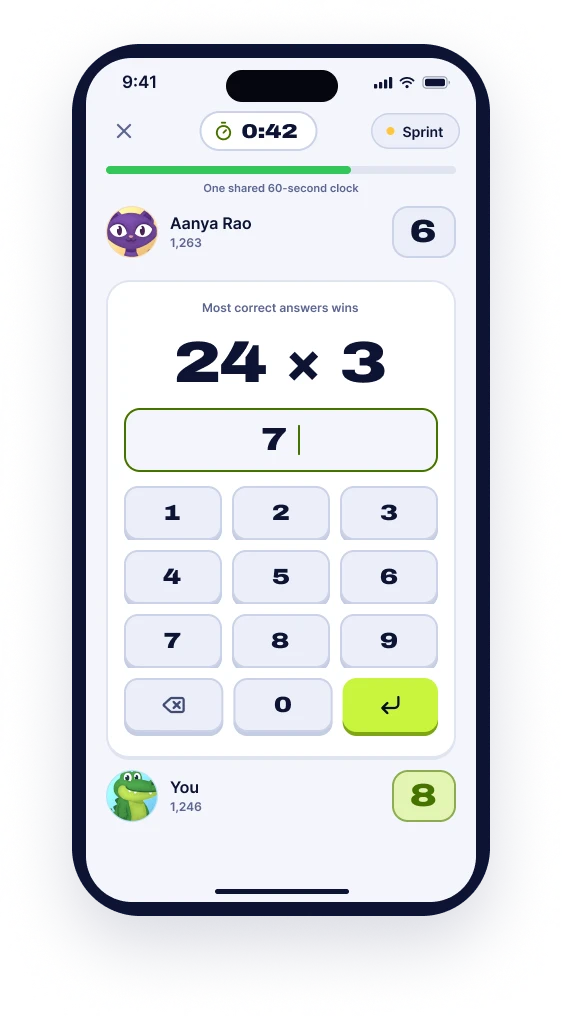
About a minute for most. Sprint runs on one shared 60-second clock; puzzle races end when someone finishes a clean grid.
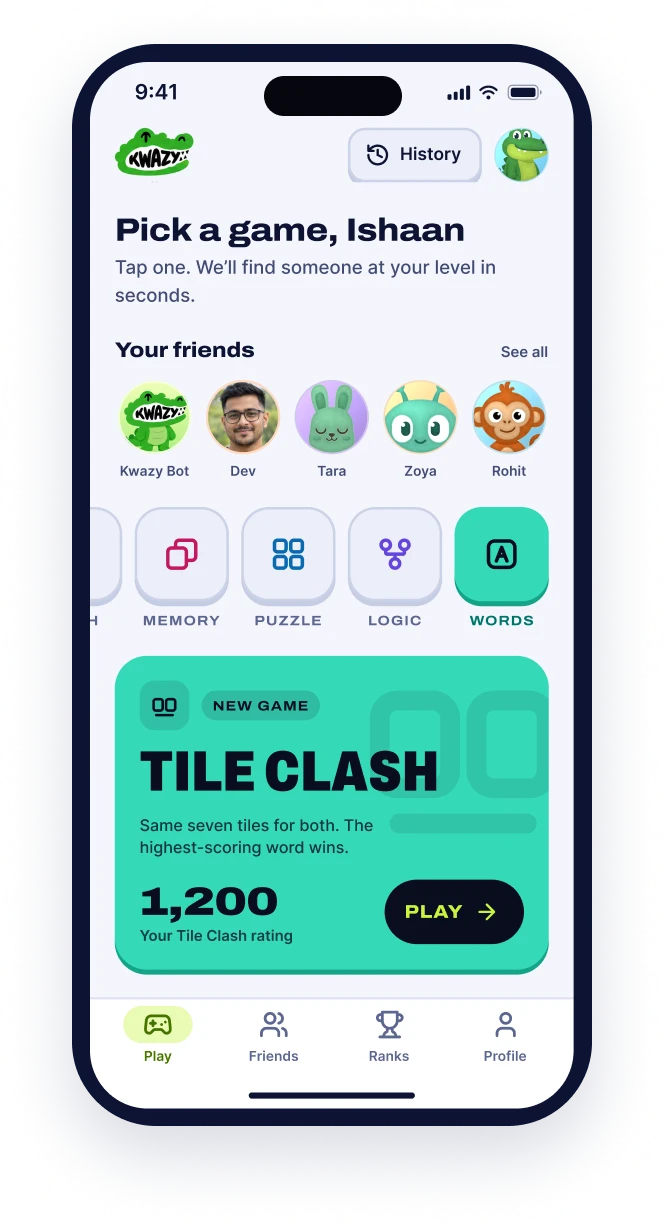
Someone near your rating in that game, usually found in under 10 seconds. You can also challenge a friend directly.
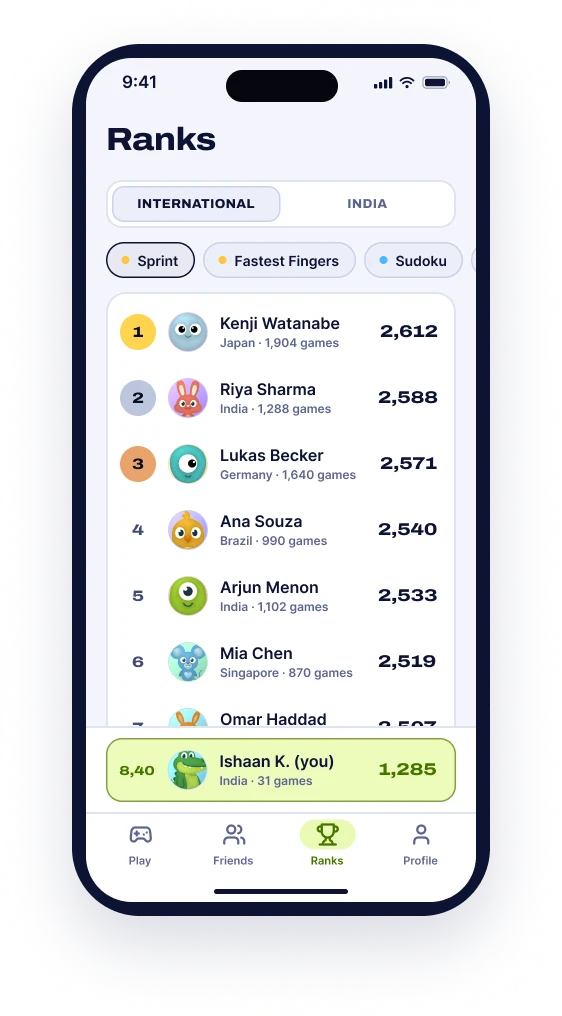
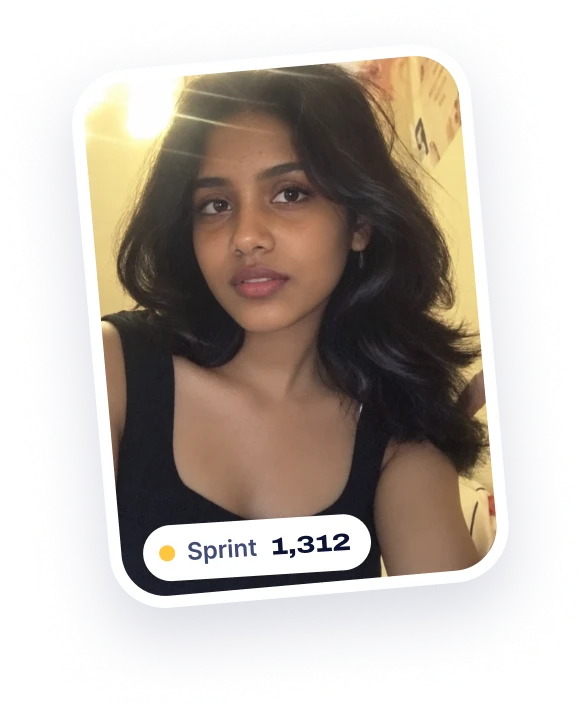
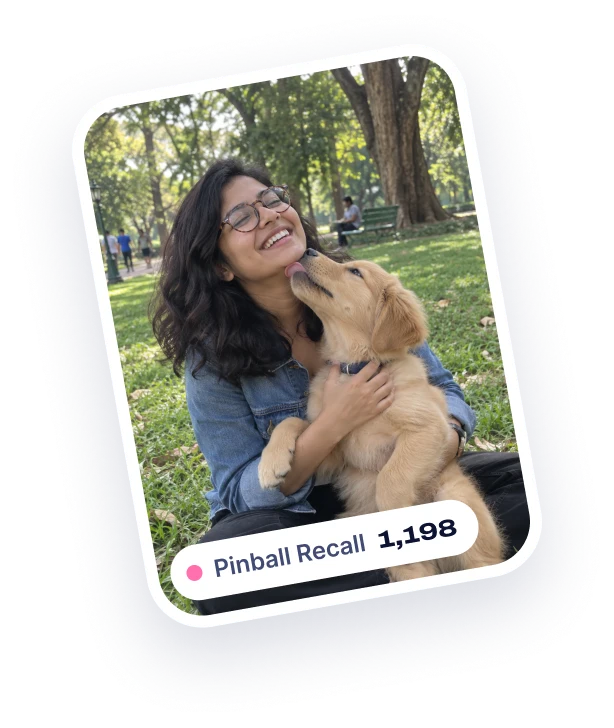
Each game has its own Elo-style rating. Everyone starts at 1,200, and your first 30 games in a game move it faster.
Every game has a one-screen How to play: a live example and three steps. It shows the first time you pick a game, and any time from the search screen.
We hold the clock while they reconnect. If they don’t make it back, you win by walkover.
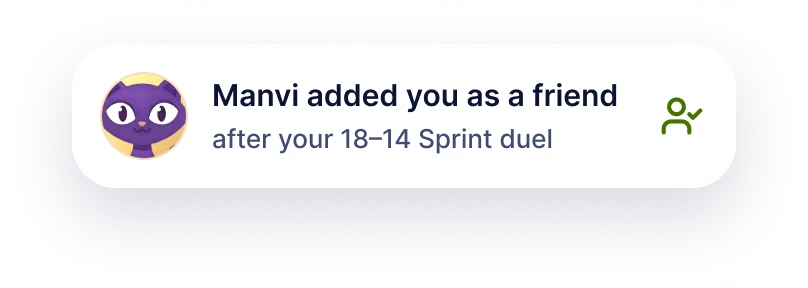
Every duel ends with an Add friend button. Missed someone? They’re waiting in your match history.
Yes. Once you’ve befriended someone you can message them in the app. Every duel ends with an Add friend button, so a good match can turn into a conversation.
Your profile: photos, interests, your rating in each game, badges, and any accounts you choose to link.
Report or block anyone from their profile. Our Community and Fair Play rules apply to every match.
Yes, inside the app under Settings. Your account and data go with it.
Only what Kwazy needs to run your account and matches. You can see, correct or erase it any time from Settings › Your data.
Through Help in the app, or write to our Grievance Officer. The steps are in our Grievance redressal policy.